Every wave you ride, counted.
16Runs
- Longest Run
- 321 ft
- Top Speed
- 16.1 mph
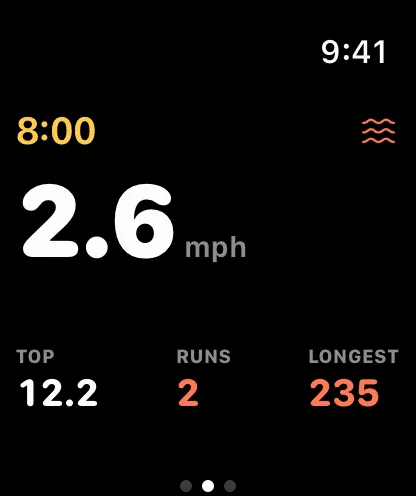

Paddle out with just your watch. Every ride is logged as a run, with its length and top speed, so you know which set was the one. Surf at Ocean Beach.

Paddle out with just your watch. Every ride is logged as a run, with its length and top speed, so you know which set was the one. Surf at Ocean Beach.
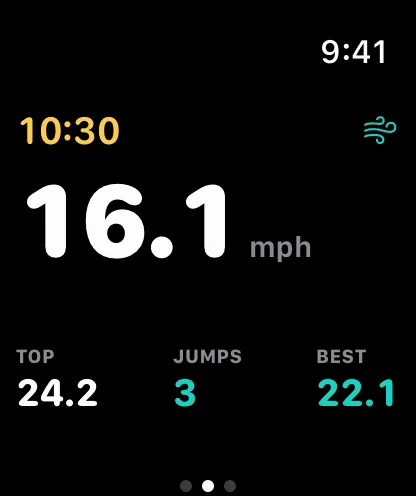
Barometer and motion sensors measure every boost: height, airtime and distance, with a tap on your wrist when you land. Kitesurf at Crissy Field.
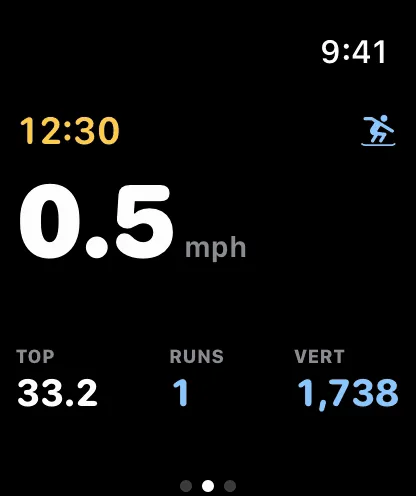
Runs split themselves at the lift. Watch your vertical stack up through the day, and find the run where you never touched the brakes. Snowboard at Palisades Tahoe.

Descents, drops and jumps on every trail, replayed in 3D. Ride it again next week and see if you beat it. Mountain bike at Whistler Bike Park.
Pick your sport, tap Start and leave your phone on the beach. Apple Watch records your track, speed, jumps, runs and heart rate, and taps your wrist for each one.
Your phone becomes the logbook. Scrub through the session on the map, fly around every jump in 3D, and watch your records and trends build up for each sport.
Turn your best moment into a card or a video recap in seconds, sized for Stories, posts and group chats. Or send a link anyone can open, no app needed.

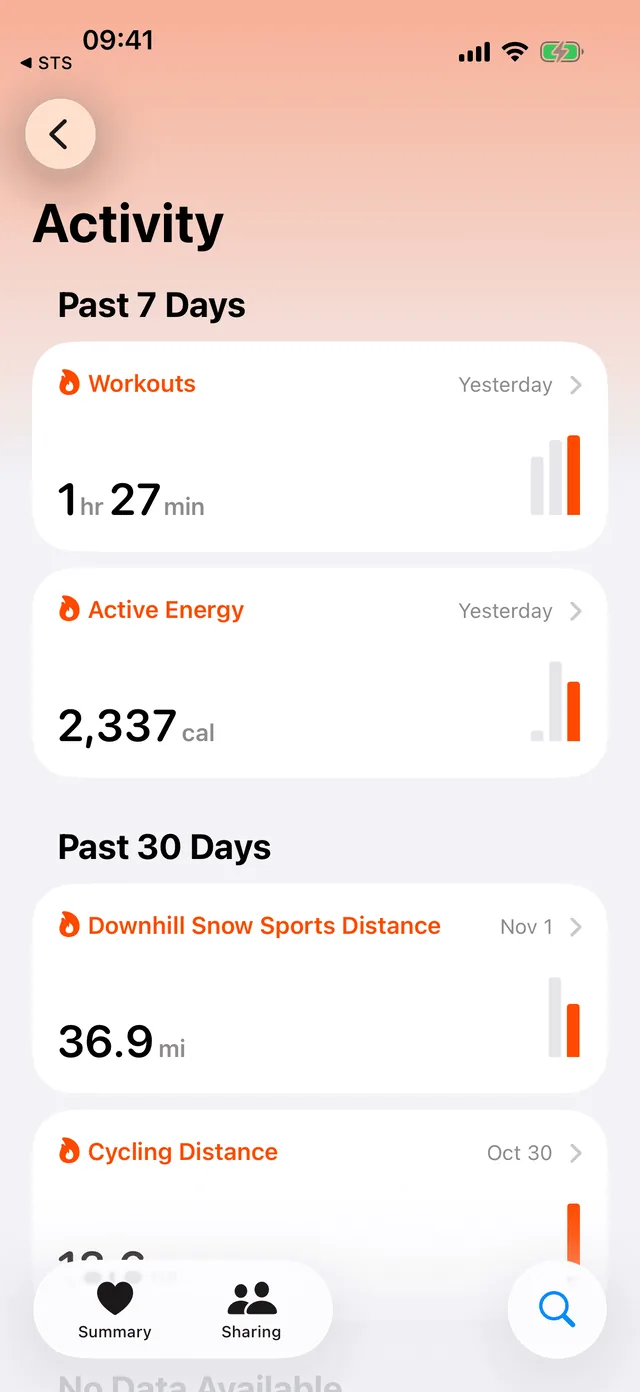
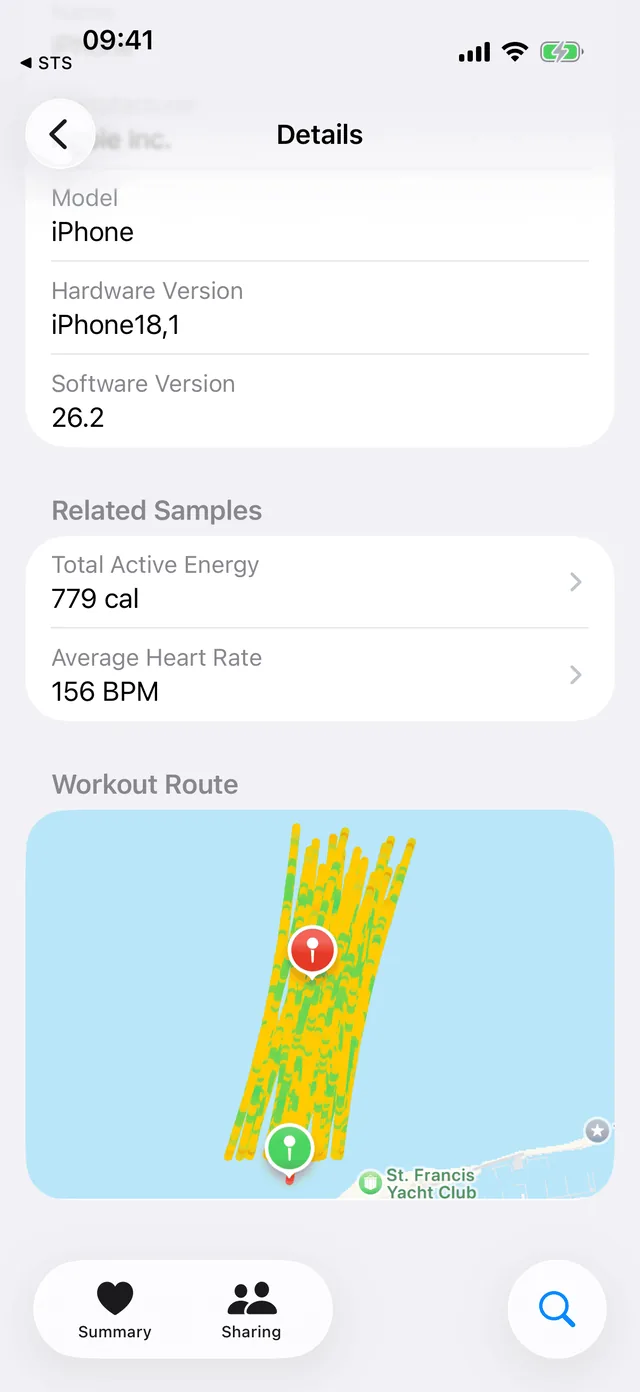
Each session is saved to Apple Health as a workout for your sport, so your riding sits next to your runs, rides and gym days, and your training history finally tells the whole story.
Watch sessions count toward your Activity rings. Nothing is saved twice, and you can turn it off in Settings.
Choose your sport or let Auto work it out. Each one tracks what matters: air where you get air, waves where you ride waves, vertical on a hill.

How high, how long and how fast. Every boost logged.
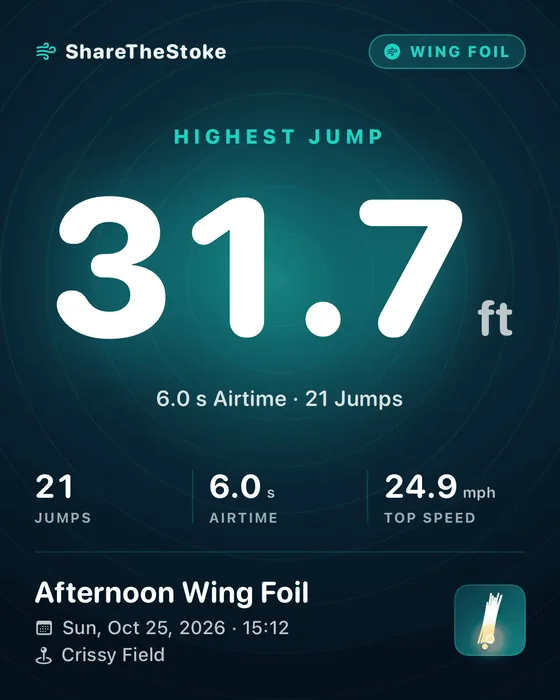
Every jump, every flight and your fastest reach.
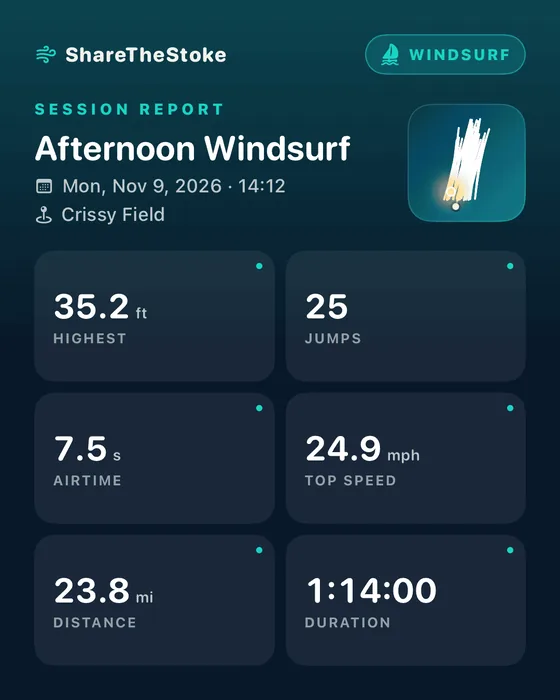
Speed runs, airs and every reach, mapped on your spot.
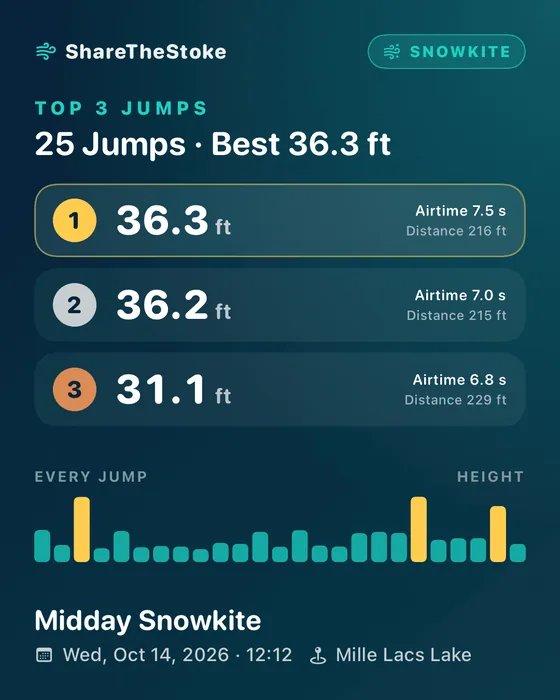
Big air over snow, hang time and the whole route.

Waves caught, your longest ride and top speed.

Paddle out, catch runners and replay every wave.

Long glides and pump runs, each one measured.
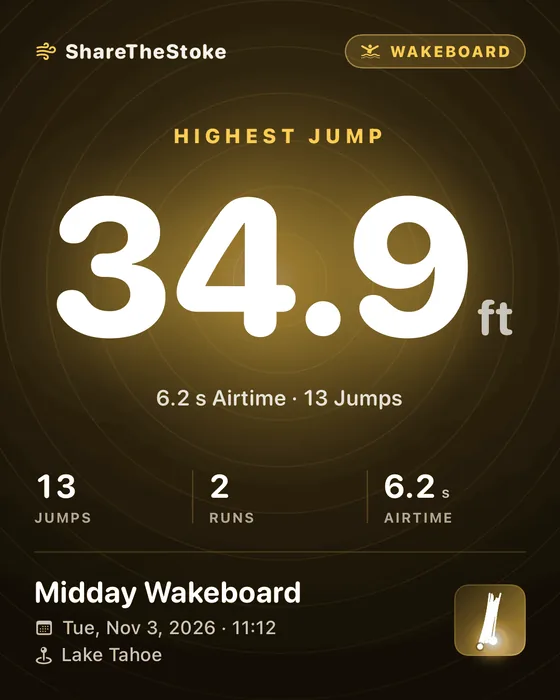
Airs off the wake, every pass and your top speed.
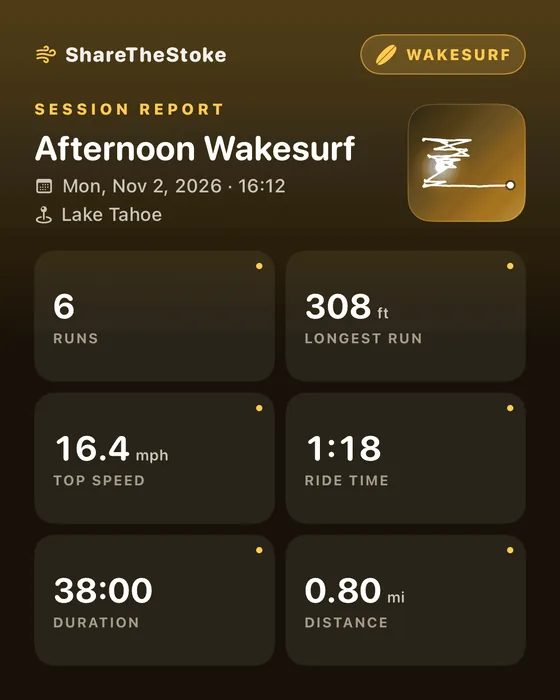
Ropeless rides, timed to the second, every pass.

Every lap, every drop and every send, lift to base.

Runs, jumps and vertical, from first chair to last.
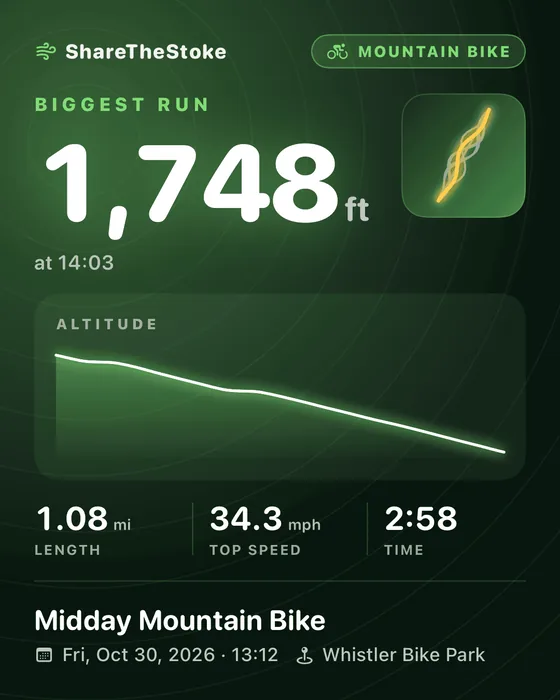
Descents, drops and your fastest line of the day.

Bowls, hills and cruises, with every run logged.
Every feature is yours to try. When you’re hooked, Lifetime Access gives you unlimited sessions for every sport, every season. One purchase. No subscription, ever.
Every feature, from
your first session.
Pay once, ride for life.
Every sport, every season.
Nothing to sign up for and no feed to keep up with. Just open the app and ride.
Every session is a file you can see, export as GPX, back up or delete.
A link only goes up when you create it, shows only what you chose, and comes down when you delete it.
An Apple Watch and iPhone app that tracks your board-sport sessions, from kitesurf, wing foil and surf to ski, snowboard, mountain bike and many more. It measures your jumps, waves, runs and speed, replays every session on a map and in 3D, and turns your best moment into a card, video or link to share.
It’s the best way to ride: the watch records while your phone stays dry on the beach. You can also record with just your iPhone.
An iPhone on iOS 18 or later. To record on your wrist, an Apple Watch on watchOS 11 or later, paired with that iPhone.
Kitesurf, Wing Foil, Windsurf, Snowkite, Surf, SUP, Foil Surf, Wakeboard, Wakesurf, Ski, Snowboard, Mountain Bike, Skate. Auto picks the sport from how and where you ride, and you can always change it.
With your Apple Watch’s barometer and GPS. Each rise off the water or the slope counts as a jump once it clears the minimum height you set. Stats are recalculated from the raw recording, so when detection improves, your past sessions get the benefit too.
It locks the moment your session starts, so spray and waves can’t press anything. Hold the Digital Crown to unlock it. Check your Apple Watch’s water rating before you take it into the surf.
Yes. Every session is saved to Apple Health as a workout for its sport, with your route, heart rate and active energy. Sessions recorded on the watch count toward your Activity rings. You can turn this off in Settings.
It’s free to download and try, with every feature. When you’re hooked, Lifetime Access is a one-time $14.99 upgrade for unlimited sessions. No subscription, ever.
On your iPhone, as files you can see in the Files app. Nothing leaves your phone unless you share a session as a link. Read the privacy policy.
Yes. Export any session as a GPX file for other apps and maps, and back up or delete your session files whenever you like.
Yes. Share a session as a link and anyone can open it in a browser to see your card or video recap and your stats.
We use cookies for analytics to see how people find this site. We don't display ads or sell your data: see details